
First of all, we recommend that you adjust the colours and fonts according to your brand guidelines, Once that’s done, set your working hours, minimum order amount, and PayPal ID, to enable your users to pay with credit cards.
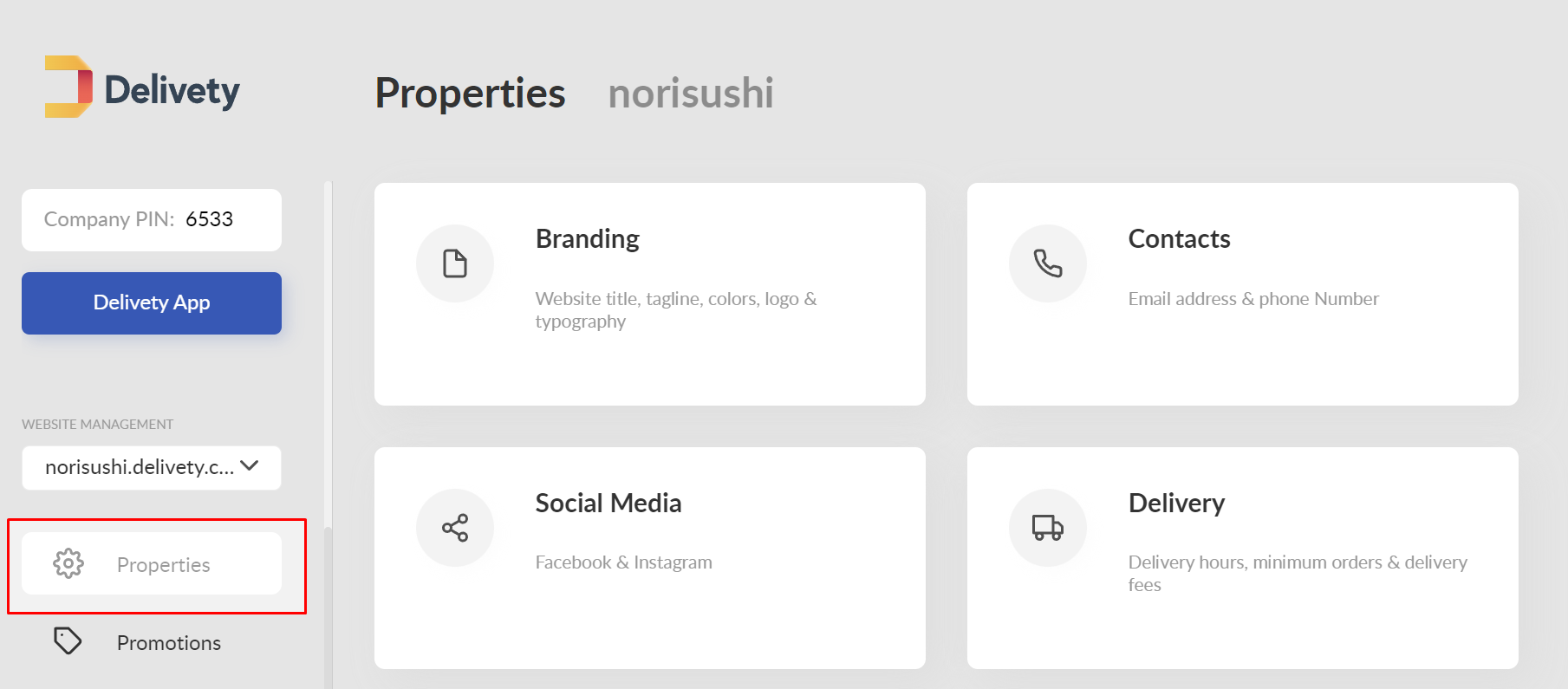
Please watch these video tutorials on:
How to customize your food ordering website
How to accept credit cards on your food ordering website using PayPal
and also Top 10 Amazing Food Ordering Website Features You Can Get With Delivety
We also recommend adding your social media links and checking your Terms of Service and Privacy Policy pages to ensure that they comply with your local laws (you can amend them in the way required by your country’s laws). You can also add some additional pages about your food delivery and some blog posts, if needed.
The next step is to populate your website with dishes. Proceed to the Delivety Menu Builder and add your dishes from there. It’s also recommended to add some delivery fees, if you have any. You can apply them automatically if you wish - see the appropriate section of your Delivety Website settings.
Comments
0 comments
Please sign in to leave a comment.