
You must be logged in as an Operator Dashboard user to add couriers.
You can add more couriers if needed by clicking on the Couriers tab of the QuickStats bar in the orders card view of the Operator Dashboard.
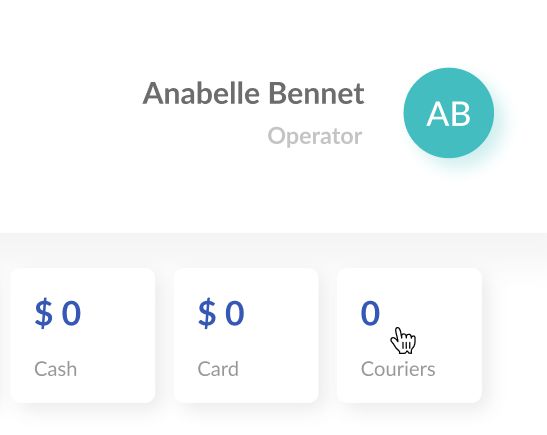
There, click the plus button and enter the courier name and phone number. Also, you can add a delivery partner as a courier, if you are using delivery partners such as Deliveroo, GrubHub, Uber.Eats, etc.
Optionally, you can also enter the courier ID used by your ERP (or any other software you use for staff management), so you will be able to export your orders with the courier ID.
Comments
0 comments
Please sign in to leave a comment.