
You must be logged in as a Recipe Editor user to set the dish type.
Select a dish to edit from the left pane to open it in the editor on the right. Click on the Dish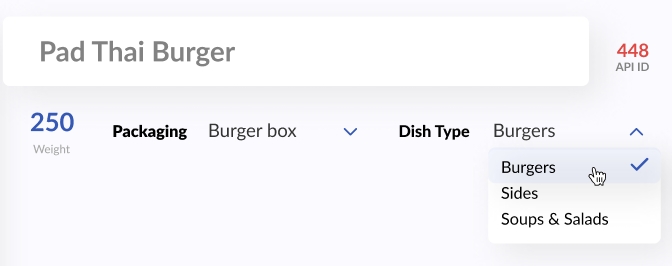 Type selector to select the dish type. This will affect which cooks will get this dish to cook once it’s ordered (the dish will appear on the appropriate cook’s Kitchen Dashboard). The dish type changes are saved automatically.
______________
Learn more:
Comments
0 comments
Please sign in to leave a comment.