
You must be logged in as a Data Export Dashboard user to create a data-export template.
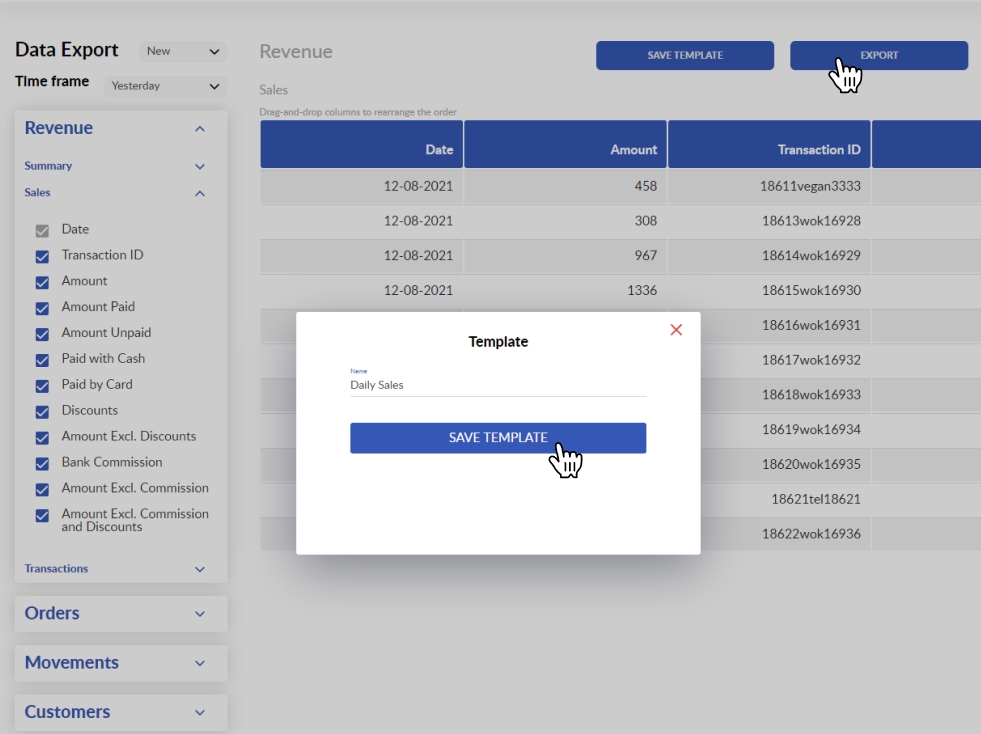
Once you have selected the data to export and have arranged the columns in the way you need them, you can click on the Save Template button and enter the name of your new template. Next time, you can export the data in a couple of clicks by selecting an appropriate template using the templates selector next to the Data Export title.
Comments
0 comments
Please sign in to leave a comment.