
You must be logged in as an Assembly Dashboard user to print the receipts.
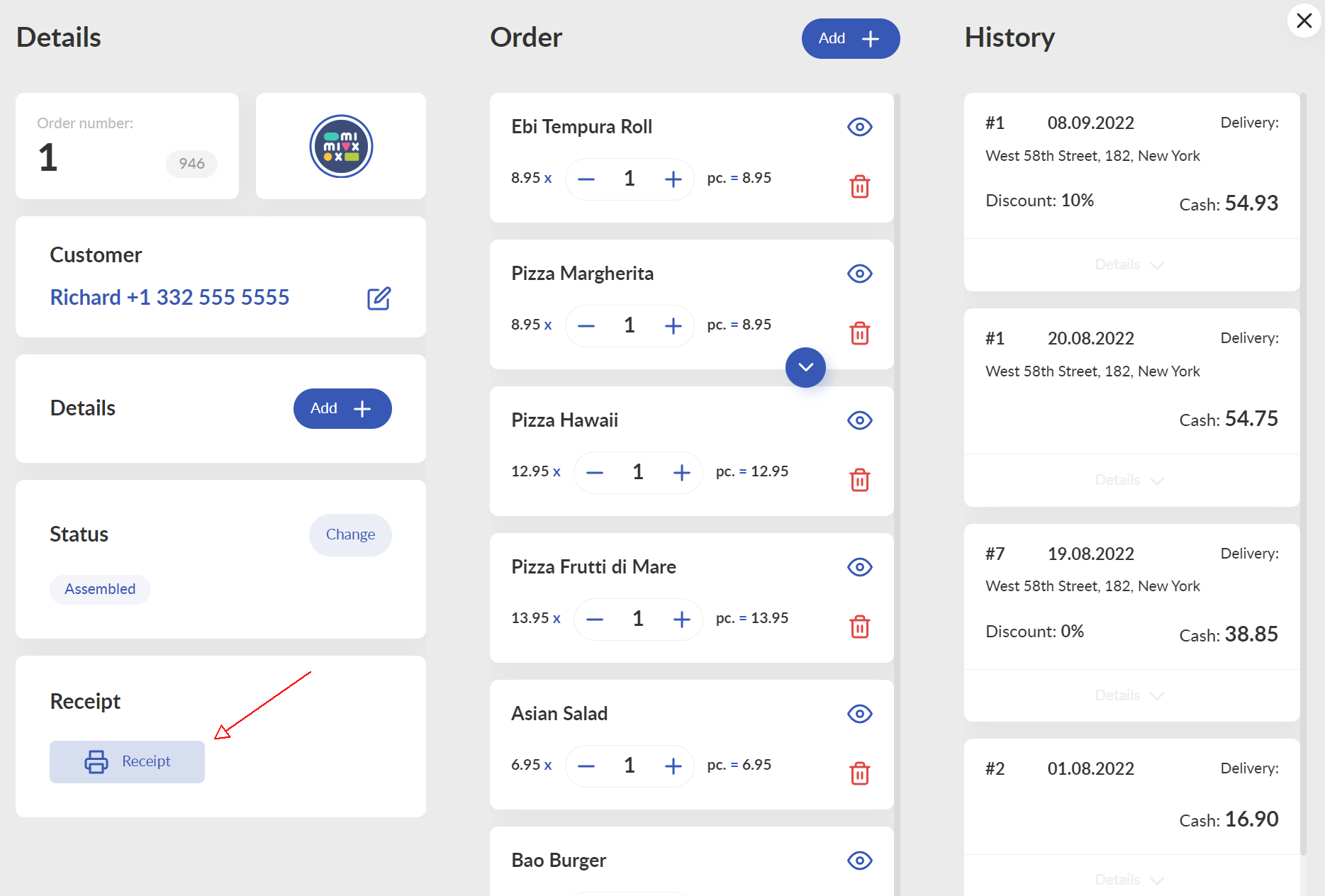
Once the order is fully assembled (and the dishes have to be prepared, of course), you can print the customer receipt. Click on the Receipt button and wait for the receipt to be printed.
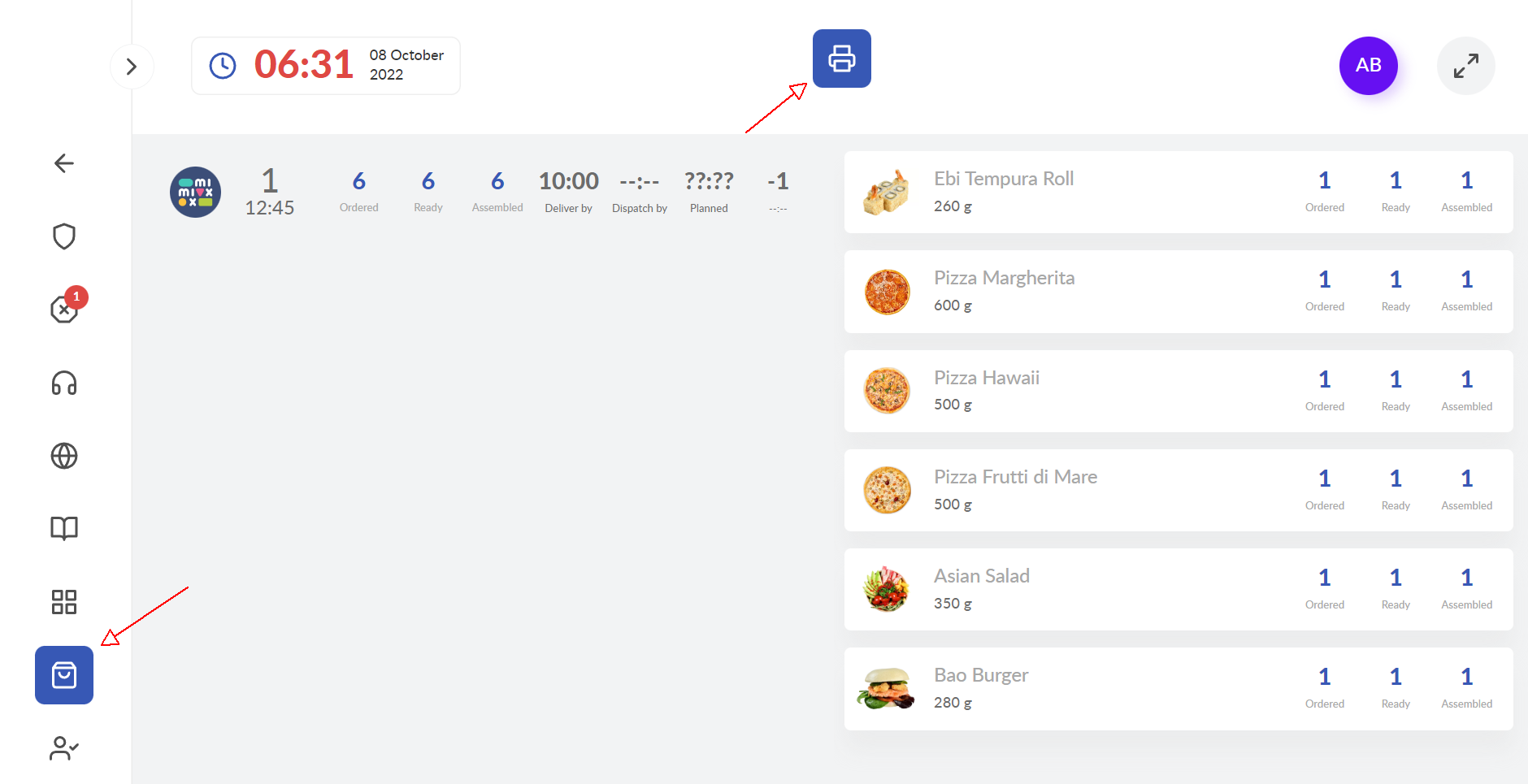
Alternatively, you can print the receipt directly in your Operator Dashboard. In that case, this is not necessary for the order to be fully assembled:
__________________
Troubleshooting
Why is the receipt printer not printing?
Watch this video tutorial on how to setup your receipts printer.
Comments
0 comments
Please sign in to leave a comment.