
Please check the following if orders do not appear in the Assembly Dashboard:
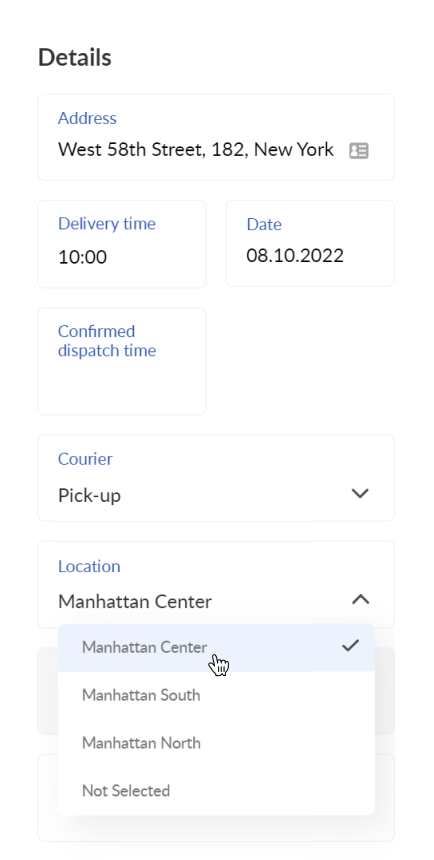
1. Whether the appropriate location has been assigned to the order.
The order must be assigned to the same location as the Assembly Dashboard user. The location of the order can be changed in Operator Dashboard in the order details section:
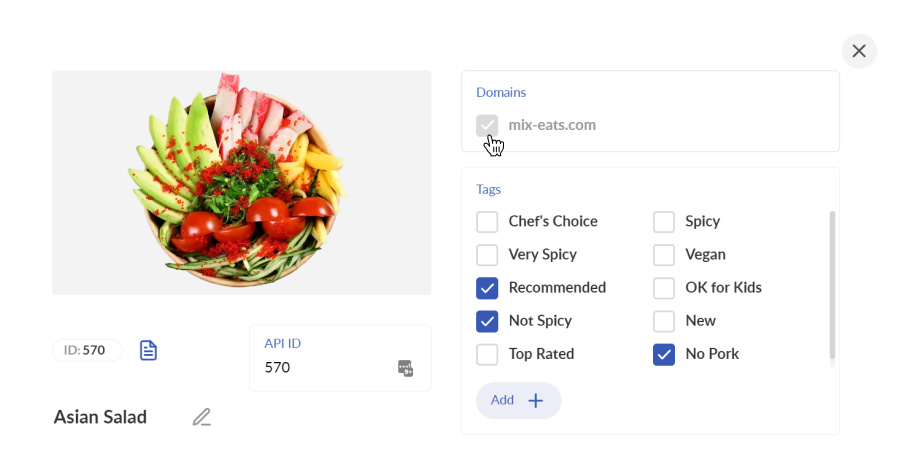
2. Whether the appropriate domain has been assigned to the dishes in the order.
The dishes in the order must be assigned to the same domain as the Assembly Dashboard user. The domain of the dishes can be changed in the Menu Builder:
3. Whether the current date of the Assembly Dashboard matches the date of the order.
You can change the current date by clicking on the timer at the upper left corner f the Assembly Dashboard:

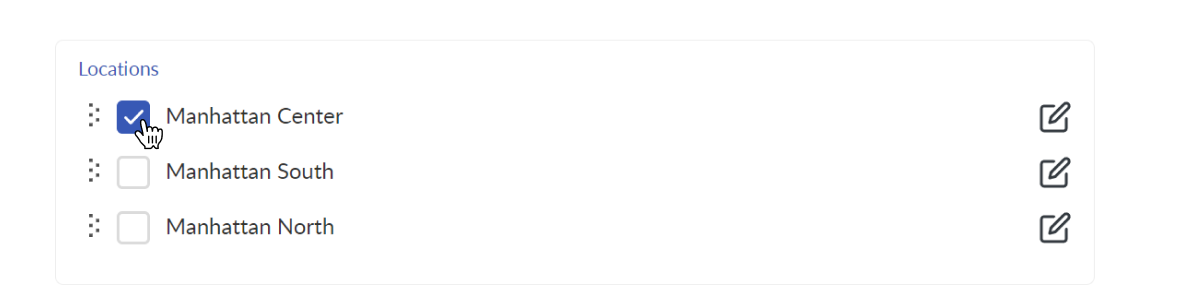
4. Whether the Assembly Dashboard user is in the same location as the order.
You can change the user location in the Admin Panel > Users:
💡 Read more:
Comments
0 comments
Please sign in to leave a comment.