
The automated dishes distribution between cooks is one of the most fundamental concepts of Delivety. In case a cook’s Kitchen Dashboard doesn’t show any dishes in the queue, you have to check:
1. If the date is set to today

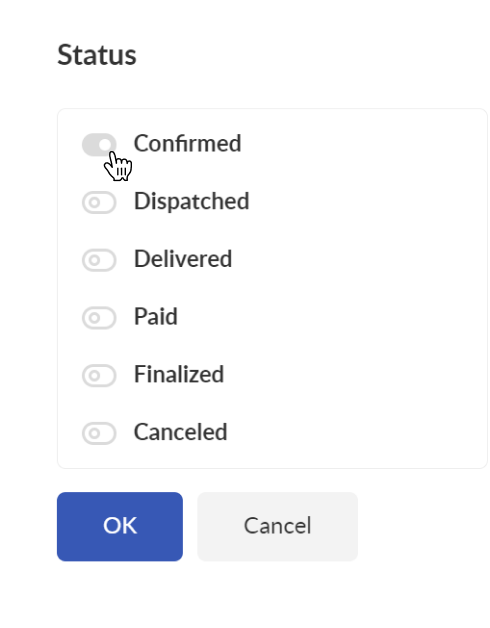
2. If there are any confirmed orders in the queue. The order can be confirmed in Operator Dashboard in the order Status section:
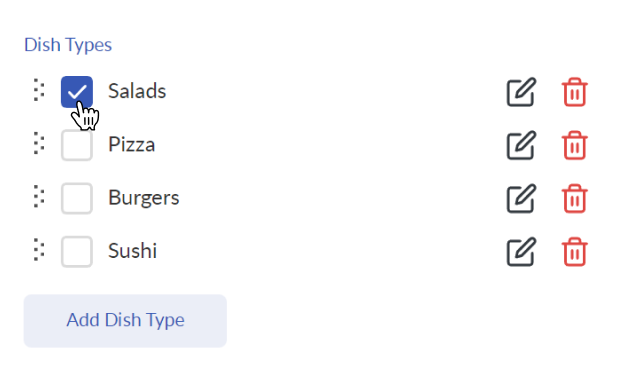
3. If the cook has any Dish Type(s) assigned. You can check this in the Admin Panel > Users:
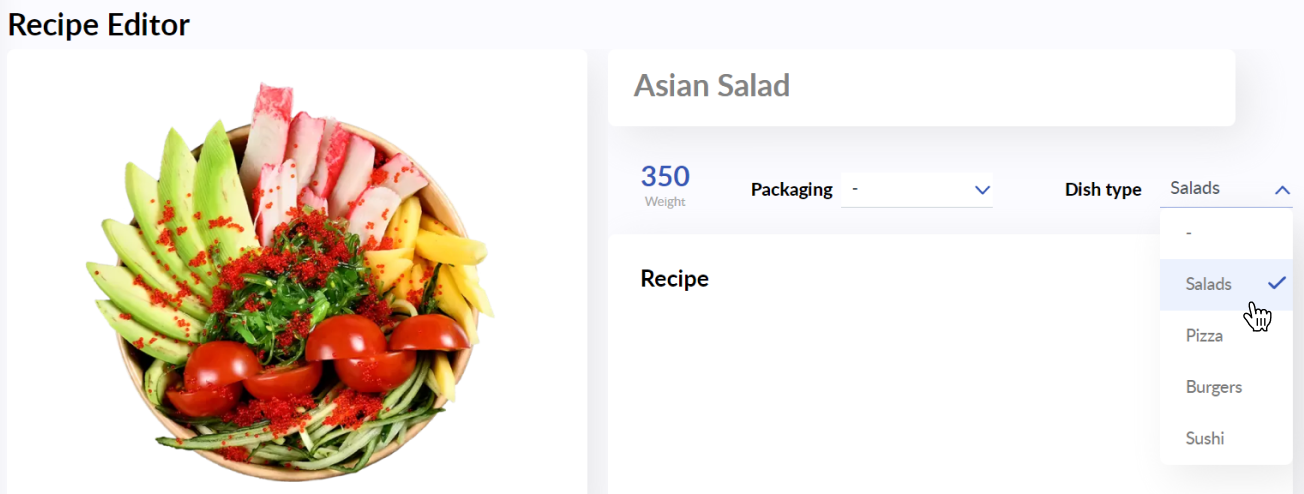
4. If the dishes you expect to appear in the Kitchen Dashboard have Dish Type(s) assigned. Dishes without Dish Type(s) won’t show in the Kitchen Dashboards. You can change the Dish Type in Recipe Editor:
5. If the queued orders contain any dishes of the appropriate Dish Type(s) assigned to the cook.
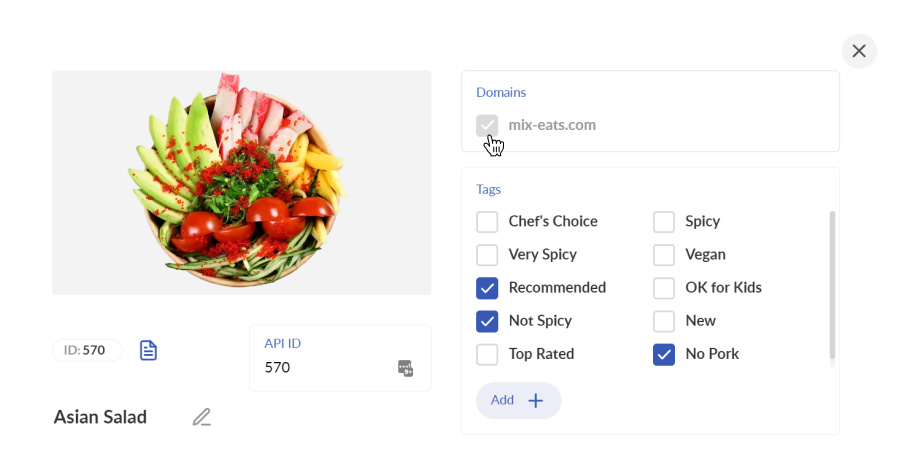
6. If the appropriate domain has been assigned to the dishes you expect to appear in the Kitchen Dashboard. Read this article to learn how to assign domains to dishes using Menu Builder.
7. If the appropriate location has been assigned to the Kitchen Dashboard user. You can change the user location in the Users section of your Admin Panel: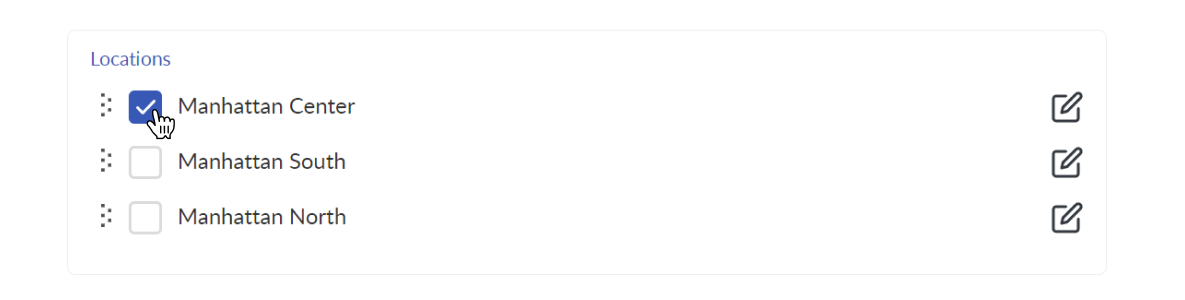
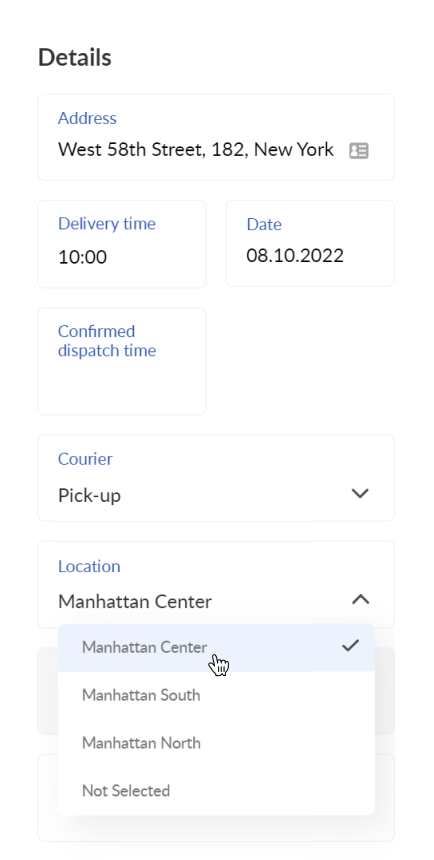
8. Whether the appropriate location has been assigned to the order.
The order must be assigned to the same location as the Assembly Dashboard user. The location of the order can be changed in Operator Dashboard in the order Details section:
💡 Read more:
Orders do not appear in the Assembly Dashboard
Comments
0 comments
Please sign in to leave a comment.